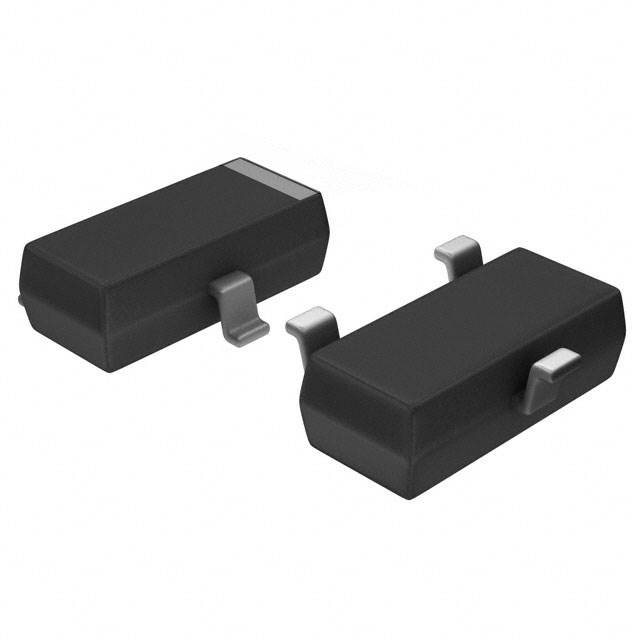
Key Specs
| Spec | Value | Condition | Source |
|---|---|---|---|
| Configuration | N-Channel | Digi-Key | |
| Current Rating Amps | 10mA | Digi-Key | |
| Frequency | 400MHz | Digi-Key | |
| Gain | - | Digi-Key | |
| Mounting Type | Surface Mount | Digi-Key | |
| Noise Figure | 4dB | Digi-Key | |
| Output Power (Max) | - | Digi-Key | |
| Package Case | TO-236-3, SC-59, SOT-23-3 | Digi-Key | |
| Supplier Device Package | SOT-23-3 | Digi-Key | |
| Technology | JFET | Digi-Key | |
| Voltage Rated | 25 V | Digi-Key | |
| Voltage Test | 15 V | Digi-Key |
When To Use
-
400MHz RF front-end amplifier @ 10mA bias: The 400MHz frequency rating and 4dB noise figure make this JFET ideal for low-noise amplification in RF stages where low current and moderate gain are required. Using a device not rated for 400MHz risks gain roll-off and instability, causing degraded signal integrity or oscillations.
-
Low-current analog switch in 25V signal path: The 25V voltage rating and surface-mount SOT-23-3 package suit switching small analog signals up to 25V with minimal distortion. A MOSFET with lower voltage rating would risk breakdown and latch-up under transient spikes.
-
Low-noise buffer stage in precision sensor interface at 10mA: The 4dB noise figure and JFET input help preserve signal fidelity at low bias currents. A bipolar transistor designed for higher current would increase noise and offset, reducing measurement accuracy.
When Not To Use
-
Load requiring >10mA continuous current: The 10mA current rating is too low for this application. Use a multi-phase buck controller capable of handling higher current loads safely and efficiently.
-
Switching frequency above 500kHz for miniaturized power supply: The 400MHz rating applies to RF gain, not switch-mode power operation at >500kHz. For high-frequency switching power, choose a high-frequency buck controller designed for stable operation above 500kHz.
-
Battery-powered device needing ultra-low quiescent current: The device’s bias current is fixed near 10mA, which is excessive for ultra-low power. Use a low-IQ PFM buck regulator optimized for μA-level quiescent current.
Application Notes
-
The switching node (SW) is pin 3; keep its trace short and well-shielded from noise-sensitive pins 1 and 2 to minimize capacitive coupling and prevent oscillations.
-
the gate pin and the source pin are noise-sensitive control nodes; route guard traces connected to ground around these pins to reduce EMI pickup.
-
Avoid placing large output capacitors with high ESR directly on the source pin, as this can cause instability due to feedback interaction with the JFET transconductance.
-
Ensure the device is mounted on a low-inductance ground plane to maintain stable reference potential and minimize parasitic oscillations at 400MHz.
-
The JFET technology makes the device sensitive to static discharge; ESD protection on input lines is recommended during handling and assembly.
Pin numbers are package-specific. Verify against the datasheet pinout diagram before routing.
Gotchas
-
[Voltage derating ignored at elevated temperature]: The 25V rating is absolute max at room temperature, but derating curves in the datasheet show reduced voltage tolerance above 85°C. Exceeding this derated voltage causes gradual gate oxide degradation, leading to increased leakage and eventual device failure. Fix: Verify operating voltage against thermal derating graphs and test under worst-case temperature conditions.
-
[High source impedance load causing gain instability]: Using a high-impedance load connected directly at the source pin (pin 2) can cause oscillations at 400MHz due to the JFET’s Miller effect. Symptom: erratic output waveform with high-frequency ringing visible on the scope. Fix: Add a small series resistor (10–100Ω) at the source output to damp parasitic oscillations.
-
[Startup with no minimum load]: The part requires a minimum bias current near 10mA for stable operation. Without a defined load current, the transistor may fail to reach its operating point, causing the output to saturate or remain low. Symptom: output appears dead or stuck at rail during startup. Fix: Include a bleed resistor or defined load to ensure minimum current flow at startup.
-
[Incorrect PCB layout causing crosstalk between SW and input pins]: Routing the switching node (pin 3) traces too close or parallel to input pins 1 and 2 can induce unwanted coupling and cause intermittent noise spikes or jitter. Fix: Maintain physical separation with grounded guard traces and avoid overlapping routing layers for SW and input signals.